How IPTV Works
What Is IPTV and How Does It Work?
A plain-English explanation of IPTV: what the acronym means, how live TV and on-demand video travel over the internet to your screen, and what you need to watch it.
By IPTV Apollo Editorial TeamUpdated 5 min read
On this page
IPTV stands for Internet Protocol Television. It's a way of delivering TV channels and video over an internet connection, instead of through a coaxial cable line or a satellite dish. If you've ever watched live TV through an app on a streaming stick, you've already seen the basic idea in action.
This guide explains what IPTV is, how the pieces fit together, and what you actually need to start watching.
What "Internet Protocol Television" means
"Internet Protocol" (IP) is the set of rules that every device on the internet uses to send and receive data. Web pages, video calls and email all travel as small packets of data addressed using IP.
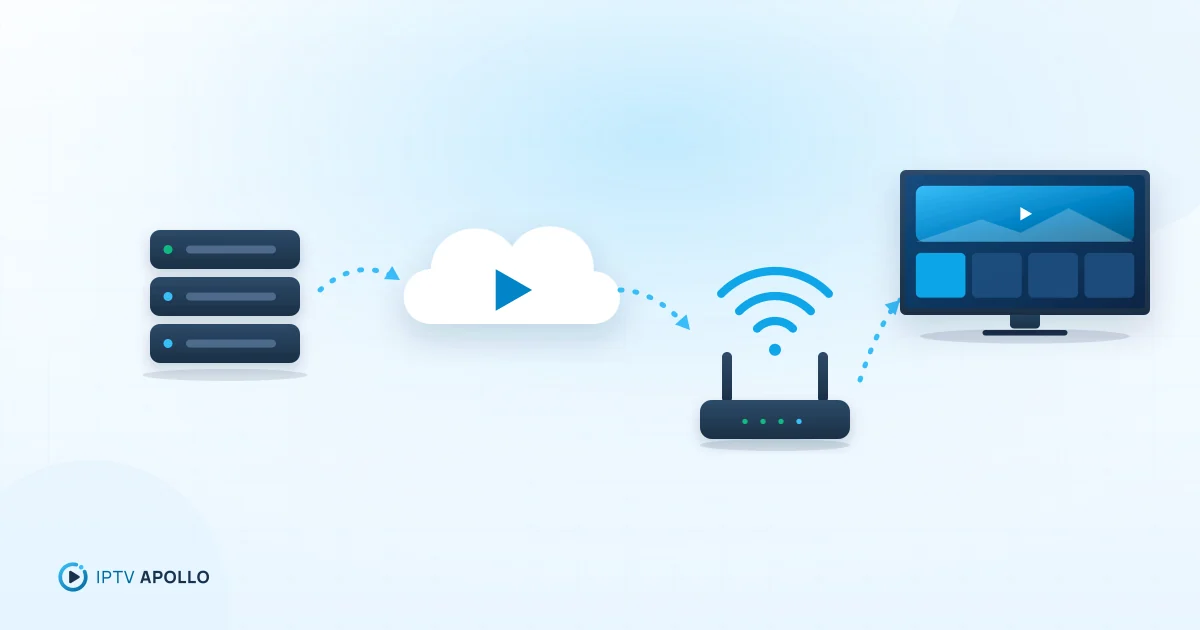
IPTV applies the same approach to television. Instead of broadcasting every channel at once over a dedicated cable or satellite signal, an IPTV service sends the video you choose as a stream of data packets to your device. Your player app reassembles those packets into moving pictures and sound.
That difference has a few practical consequences:
- You only receive what you're watching. A cable line carries many channels at once; an IPTV stream carries the channel or video you've selected.
- Any internet-connected device can be a TV. If a compatible player app runs on it, it can play IPTV.
- Your internet connection matters. Picture quality and smoothness depend on the speed and stability of your connection.
The main types of IPTV content
Most IPTV services organise what they offer into a few familiar formats:
| Format | What it is | How you watch it |
|---|---|---|
| Live TV | Channels streamed in real time, on a schedule | Pick a channel; you join the broadcast already in progress |
| Video on demand (VOD) | A library of titles stored on the provider's servers | Start, pause and resume whenever you like |
| Catch-up / time-shift | Recently aired programmes you can replay | Choose a past programme from the guide |
What's included varies from one provider and plan to another, so always check the details of a specific service. Our explainers on video on demand and the Electronic Program Guide (EPG) go deeper into each format.
How IPTV gets from the provider to your screen
Behind every IPTV stream there are four main stages.
1. The content is prepared
Video arrives at the provider's systems and is encoded — compressed into an efficient digital format (commonly H.264 or the newer H.265/HEVC). Compression is what makes it practical to send high-quality video over a home internet connection. Often the same channel is prepared at several quality levels, so a slower connection can receive a lighter version.
2. The stream is delivered over the internet
The encoded video is split into short segments and served from streaming servers. Many services use adaptive streaming protocols such as HLS, which let the player switch between quality levels as your connection speeds up or slows down. We explain these in more detail in our guide to IPTV streaming protocols.
3. Your player app requests and decodes it
An IPTV player app on your device connects to the service using the access details you receive when you subscribe — usually a playlist link (an M3U URL) or an Xtream Codes login with a server address, username and password. The app downloads the channel list, requests the stream you pick, and decodes the video for playback. If you're not sure which method to use, see the access-method comparison.
4. The guide data fills in the schedule
Separately, many services provide EPG data — the schedule information that lets your player show what's on now and next. The player matches that schedule to each channel in your list.
What you need to watch IPTV
You don't need specialist hardware. You need four things:
- A subscription from an IPTV provider, which gives you your access details.
- A compatible device — for example an Amazon Fire TV Stick, an Android TV or Google TV device, a smart TV, a phone or tablet, or a computer. See our compatible devices overview.
- A player app installed on that device. Player apps are made by independent developers, not by your IPTV provider.
- A stable internet connection. Wired Ethernet tends to be more consistent than Wi-Fi. Our connection speed checklist explains how much bandwidth you need.
Tip: The provider and the player app are two different things. The provider supplies the content; the player is the software you watch it in. Our article on IPTV player vs IPTV provider explains why that matters when something goes wrong.
IPTV compared with cable and satellite
The biggest difference is the delivery path. Cable TV arrives over a physical line from your cable company; satellite TV needs a dish with a clear view of the sky; IPTV only needs an internet connection. That makes IPTV flexible — you can often watch on several kinds of device — but it also means your experience depends on your home network and your internet provider.
We compare them side by side in IPTV vs cable TV and IPTV vs satellite TV.
Choosing a legitimate service
IPTV is simply a delivery method. Plenty of legitimate broadcasters and telecom companies use it. When you evaluate a provider, look for clear information about who runs the service, published terms and refund conditions, and honest descriptions of what's included. Our checklist on how to evaluate an IPTV provider walks through what to look for.
The short version
IPTV delivers television over the internet. A provider encodes and streams the content, a player app on your device receives and plays it, and your internet connection carries it in between. Get those three pieces right — a trustworthy provider, a compatible player and a stable connection — and IPTV can be a convenient way to watch on the screens you already own.
Frequently asked questions
Is IPTV the same as a streaming app like a video-on-demand service?
Do I need a special box to watch IPTV?
Is IPTV legal?
This guide is for general information. Third-party apps and device menus change over time; if something looks different on your device, check the app or manufacturer's own documentation. Brand names belong to their respective owners.
Related reading
How IPTV Works
IPTV vs Cable TV: Main Differences Explained
How IPTV and cable TV differ in delivery, equipment, flexibility, reliability and cost — and how to decide which suits your home.
3 min read
How IPTV Works
Live TV Streaming: How IPTV Technology Works
A technical-but-readable walkthrough of live IPTV: encoding, segmenting, delivery, adaptive bitrate, buffering and why live streams run slightly behind broadcast.
3 min read
How IPTV Works
What Internet Speed Do You Need for IPTV?
How to work out the internet speed you need for IPTV: per-stream guidance by quality, adding up multiple screens, why stability beats peak speed, and how to test properly.
3 min read