How IPTV Works
What Is Electronic Program Guide (EPG)?
What an Electronic Program Guide is, where IPTV schedule data comes from, how players match it to channels, and why the guide is sometimes empty or out of sync.
By IPTV Apollo Editorial TeamUpdated 3 min read
On this page
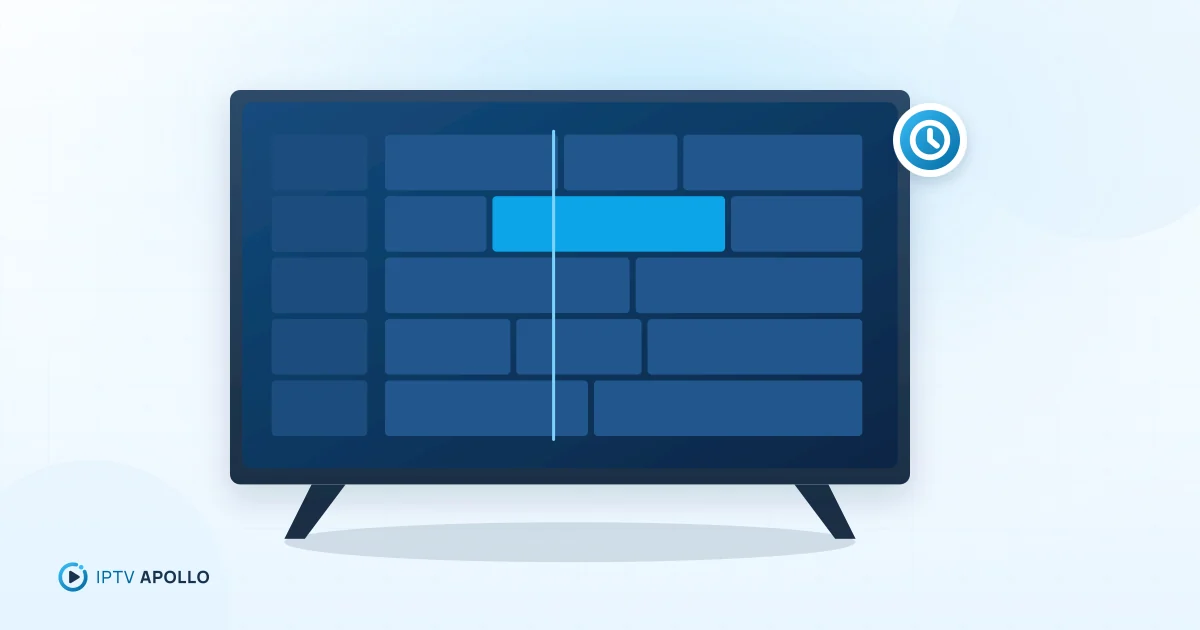
An Electronic Program Guide (EPG) is the on-screen schedule that tells you what's on now, what's next and what's coming up later on each channel. In IPTV, the guide isn't built into the video streams — it's separate data that your player downloads and lines up with your channel list.
What the EPG shows
A typical IPTV guide displays:
- Now and next for each channel
- A grid view of the schedule across hours or days
- Programme details — title, time, and often a short description
- Sometimes images, genres or ratings, depending on the data
A good guide turns a long channel list into something you can browse like traditional TV.
Where the data comes from
IPTV providers usually supply guide data in one of two ways:
- An XMLTV file — a standard XML format for TV listings. You (or your player) load it from a URL. It lists channels by ID and programmes with start and end times.
- Through the Xtream Codes API — players that use an Xtream Codes login can usually fetch the guide automatically from the same server, with no separate URL to enter.
That's one reason Xtream Codes logins can feel simpler to set up. Compare the options in our comparison of playlists and Xtream logins.
How players match the guide to channels
Your channel list and your guide data are two separate files. The player has to pair them up. With M3U playlists, each channel entry usually includes a tvg-id attribute, and the guide uses matching channel IDs:
#EXTINF:-1 tvg-id="example.channel" tvg-name="Example Channel" group-title="News",Example Channel
If the IDs match, the guide appears next to the channel. If they don't — because of a typo, a renamed channel or a missing entry — that channel shows "no information".
Time zones and offsets
Guide data includes times, usually with a time-zone offset. If your device's time zone or the data's offset is wrong, the whole guide appears shifted by an hour or more. Most players include an EPG time offset (or "time shift") setting to fix this.
Why the guide is sometimes empty
Common reasons include:
- The guide hasn't been downloaded yet, or the player's update schedule hasn't run
- The EPG URL wasn't entered (for M3U setups)
- Channel IDs don't match between the playlist and the guide
- The player's cache is stale
- Your device's date or time is wrong
Our troubleshooting guide for an EPG that isn't updating walks through each one.
Setting up the EPG
With an Xtream Codes login, the guide often loads automatically. With an M3U playlist, you typically add the EPG URL in the player's settings, then trigger an update. Step-by-step instructions are in how to set up EPG on an IPTV player.
EPG and other features
The guide often powers other features:
- Catch-up: select a past programme in the guide to replay it, where supported
- Reminders and recordings: some players let you set reminders from the guide
- Search: find programmes by title across channels
To make the guide easier to browse, build a short favourites list — see organizing channels and favorites.
Summary
The EPG is schedule data delivered separately from the video, usually as XMLTV or via the Xtream Codes API. Your player matches it to channels using IDs and adjusts for time zones. When the guide is missing or wrong, the cause is almost always the URL, matching IDs, the update schedule or a time offset.
Frequently asked questions
Is EPG the same as catch-up?
Why does my guide show the wrong times?
This guide is for general information. Third-party apps and device menus change over time; if something looks different on your device, check the app or manufacturer's own documentation. Brand names belong to their respective owners.
Related reading
Setup
How to Set Up EPG on an IPTV Player
Step-by-step: load the program guide in your IPTV player for Xtream Codes and M3U setups, set the update schedule and time offset, and match channels manually.
2 min read
Troubleshooting
IPTV EPG Not Updating: Troubleshooting Guide
Fix an IPTV program guide that's empty, out of date or showing the wrong times: refresh and cache steps, EPG URL checks, channel matching, device clock and time offsets.
2 min read

How IPTV Works
What Is Video on Demand (VOD)?
What video on demand means in IPTV, how it differs from live TV and catch-up, how VOD libraries appear in player apps, and what affects on-demand playback.
3 min read