How IPTV Works
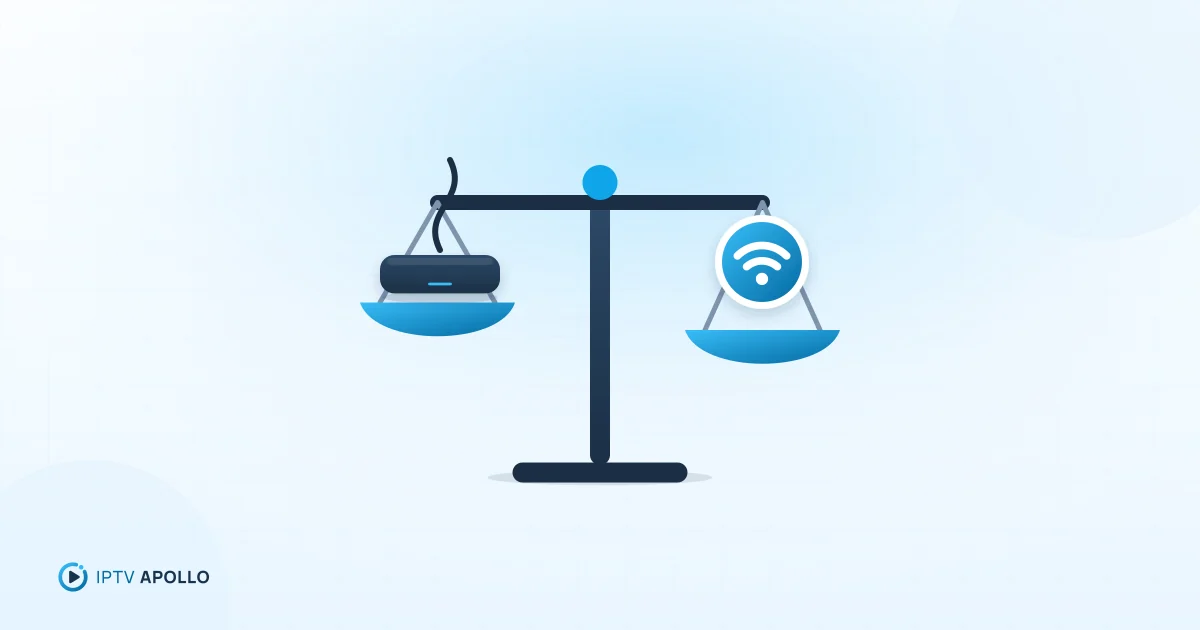
IPTV vs Cable TV: Main Differences Explained
How IPTV and cable TV differ in delivery, equipment, flexibility, reliability and cost — and how to decide which suits your home.
By IPTV Apollo Editorial TeamUpdated 3 min read
On this page
Cable TV and IPTV can look similar on screen — channels, a guide, a remote — but they reach your home in very different ways. Those differences affect what equipment you need, how flexible the service is, and what can go wrong.
How each one is delivered
Cable TV arrives over a dedicated physical network, usually coaxial cable run to your home by the cable operator. Channels are transmitted across that network and decoded by a set-top box.
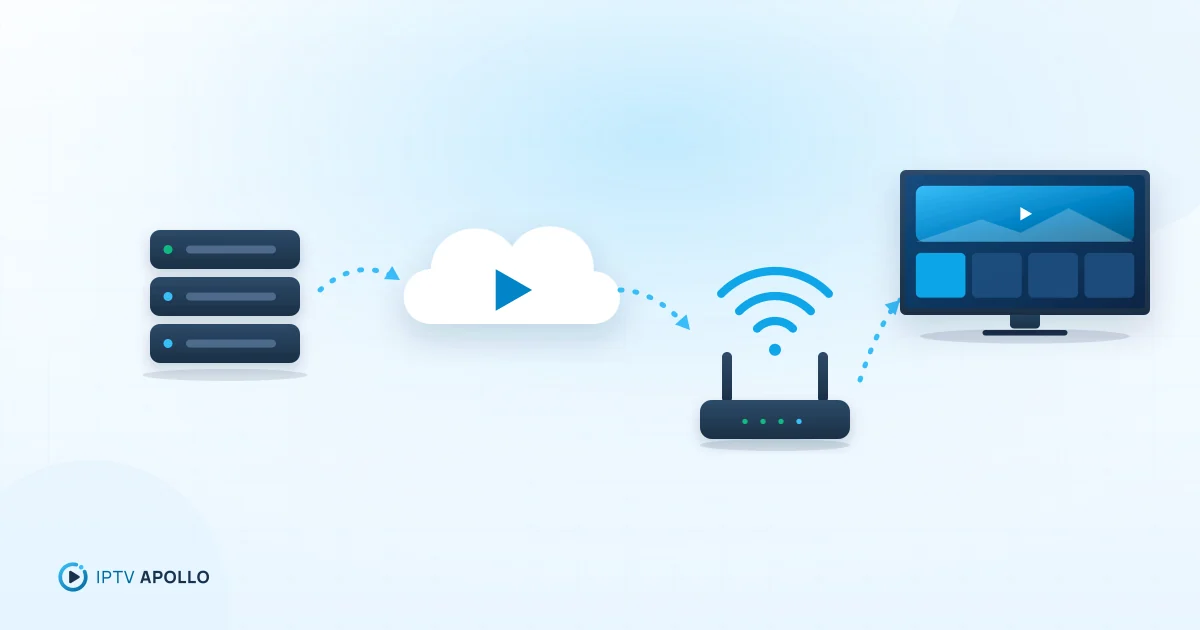
IPTV is delivered as data over an internet connection. Your player app requests the channel or video you choose, and it's streamed to your device. We explain the mechanics in what is IPTV and how does it work.
Some cable and telecom companies also deliver TV using IP technology over their own managed networks. In this article, "IPTV" means services you watch over your regular internet connection with a player app.
Side-by-side comparison
| Cable TV | IPTV | |
|---|---|---|
| Delivery | Operator's cable network | Your internet connection |
| Equipment | Operator set-top box, cabling | Your own device + player app |
| Installation | Often requires a technician | Install an app and enter details |
| Where you can watch | Rooms with a connected box | Any compatible device on your network |
| Contracts | Often longer contracts | Often short access periods |
| Main dependency | Operator's network | Your internet and home network |
Equipment and installation
Cable usually needs a box from the operator for each TV, and sometimes a technician visit. IPTV runs on devices many people already own — a streaming stick, smart TV, phone or computer — with a player app. See compatible devices.
Flexibility
IPTV tends to be more flexible:
- Multiple device types, not just TVs with a box
- Shorter commitments, often month by month
- Your choice of player app and interface
Cable is typically tied to specific rooms and hardware, and contracts can be longer.
Reliability: different strengths and weaknesses
Cable's reliability depends mainly on the operator's network. IPTV's depends on several links in a chain: the provider's servers, the internet in between, your broadband connection, your Wi-Fi or Ethernet, your device and your player app.
That makes IPTV more sensitive to home network quality. With a stable broadband connection and a wired or strong Wi-Fi link, it can be very consistent. With weak Wi-Fi or a congested connection, you may see buffering. See how network conditions affect streaming quality.
Picture quality
Both can deliver high-definition video. With IPTV, the quality you see adapts to your connection: a slower connection may mean the player drops to a lower resolution to keep playing. Read IPTV video quality and resolution.
Cost considerations
Compare total cost, not just the headline subscription:
- Cable: subscription + equipment rental + installation + contract terms
- IPTV: subscription + internet plan + any device or paid player app
Your existing broadband matters here. If you already have a good connection, IPTV avoids most extra equipment costs.
Which is right for you?
IPTV may suit you if:
- You have reliable broadband
- You want to watch on several kinds of device
- You prefer short commitments
Cable may suit you if:
- Your internet is slow or unreliable
- You want an operator-managed installation
- You're happy with a fixed box in each room
If you're leaning towards IPTV, the lowest-risk way to find out is a short plan on your own setup. IPTV Apollo plans are one-time payments with no automatic renewal.
This guide is for general information. Third-party apps and device menus change over time; if something looks different on your device, check the app or manufacturer's own documentation. Brand names belong to their respective owners.
Related reading
How IPTV Works
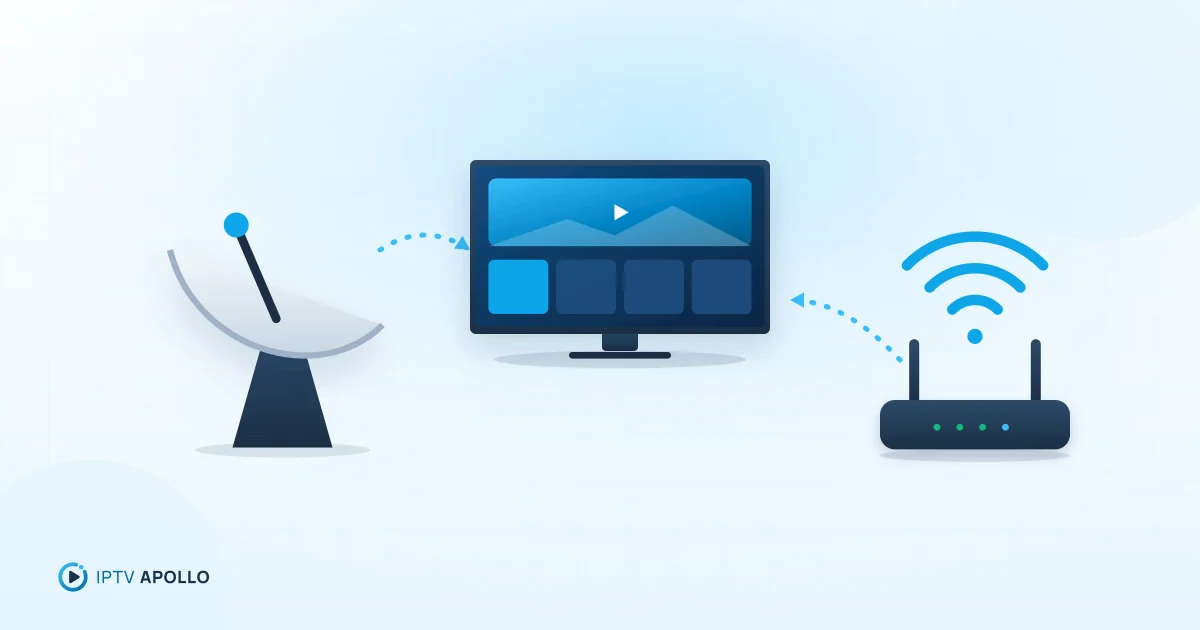
IPTV vs Satellite TV: Which Is Right for You?
Satellite TV and IPTV compared: installation, weather and line-of-sight issues, internet dependency, flexibility and when each makes more sense.
2 min read
How IPTV Works
What Is IPTV and How Does It Work?
A plain-English explanation of IPTV: what the acronym means, how live TV and on-demand video travel over the internet to your screen, and what you need to watch it.
5 min read
Buying Guides
Is an IPTV Subscription Worth It?
An honest look at the pros and cons of an IPTV subscription — who it suits, who it doesn't, and the questions to answer before you decide whether it's worth it for you.
3 min read