How IPTV Works
Understanding IPTV Streaming Protocols
HLS, MPEG-DASH, MPEG-TS over HTTP, RTMP, RTSP and multicast explained in plain English — what each does, where you'll meet it, and why it matters for playback.
By IPTV Apollo Editorial TeamUpdated 3 min read
On this page
A streaming protocol is the set of rules for how video is packaged and sent from a server to your player. You rarely need to think about it — but when you see options like "HLS" or "MPEG-TS" in a player's settings, or troubleshoot a stream that won't start, it helps to know what they mean.
Delivery vs codec: two different things
First, a common confusion. A codec (like H.264 or H.265) decides how video is compressed. A protocol or format (like HLS) decides how that compressed video is packaged and delivered. A single protocol can carry different codecs. We cover codecs in IPTV video quality and resolution.
The protocols you'll meet
HLS (HTTP Live Streaming)
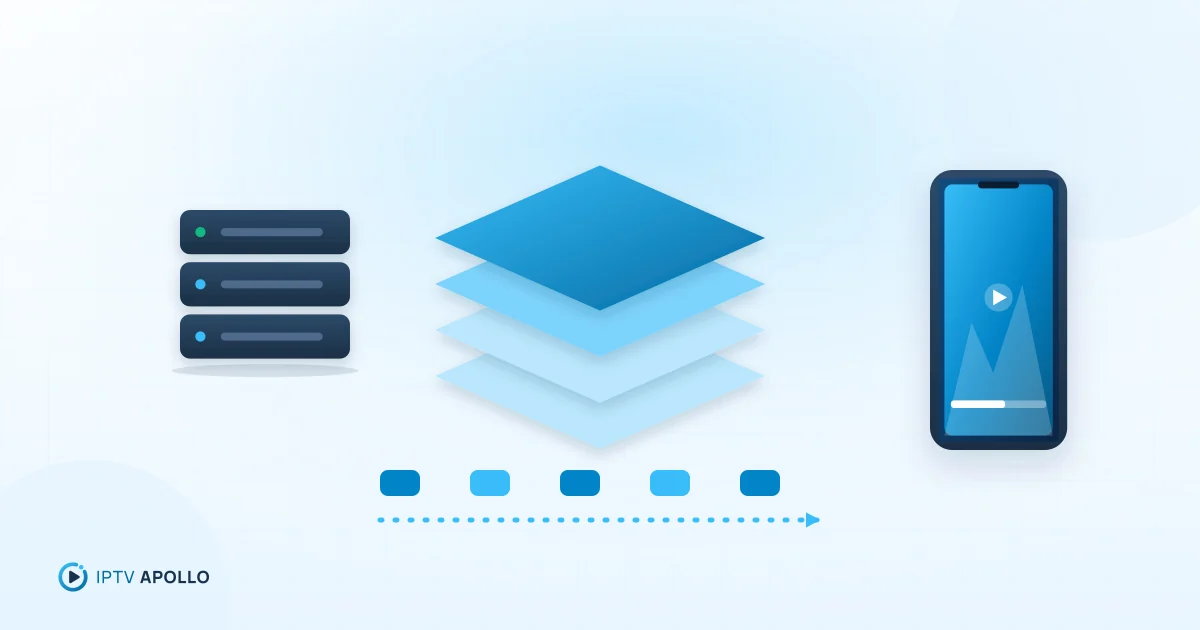
Developed by Apple and now one of the most widely supported formats. HLS splits video into short segments and lists them in an .m3u8 playlist that the player refreshes during live streams. It runs over ordinary HTTP(S), so it travels easily through home networks and content delivery networks.
- Supports adaptive bitrate, switching quality as your connection changes
- Very broad device support, including Apple devices, Android, smart TVs and browsers (often via a player library)
- Adds a few seconds of delay because of segmenting and buffering
MPEG-DASH
An open international standard that works much like HLS — segmented, adaptive, HTTP-based. It's widely used by large streaming platforms, though IPTV player support varies more than for HLS.
MPEG-TS over HTTP
A continuous transport stream sent over HTTP rather than as discrete segments. Many IPTV services offer it, and players often list it as "TS" output. It can start quickly and works with many players, but typically has no adaptive bitrate — so a slower connection is more likely to cause buffering than a quality drop.
RTMP
An older protocol originally designed for Flash. Today it's mostly used to send live video into streaming platforms (ingest) rather than to deliver it to viewers.
RTSP
A control protocol used by some IP cameras and older streaming systems. You're unlikely to need it for a typical IPTV subscription.
Multicast (UDP)
Used by some operators on their own managed networks to send one stream to many viewers efficiently. It generally doesn't work across the public internet, so it isn't how over-the-top IPTV subscriptions reach your home.
Quick comparison
| Format | Transport | Adaptive bitrate | Where you'll see it |
|---|---|---|---|
| HLS | HTTP(S), segments | Yes | Most IPTV players and devices |
| MPEG-DASH | HTTP(S), segments | Yes | Large streaming platforms; some players |
| MPEG-TS over HTTP | HTTP, continuous | Usually no | IPTV players ("TS" output) |
| RTMP | TCP | No | Live ingest, legacy systems |
| Multicast | UDP | No | Operator-managed networks |
Why it matters in practice
Some players let you choose the stream format (often "HLS" or "MPEG-TS"). If a channel won't start, freezes or has no audio, switching format is a quick, useful test. Some devices and networks simply work better with one than the other. If a stream still buffers after switching, work through the buffering guide. Find this option in your player — see how to configure an IPTV player.
Your access method (M3U playlist or Xtream Codes login) is separate from the streaming protocol. The playlist or login tells the player where the streams are; the protocol is how each stream is delivered. See our M3U and Xtream Codes comparison.
Summary
HLS and MPEG-TS over HTTP are the formats you're most likely to meet with IPTV. HLS is segmented and adaptive; TS is continuous and simple. RTMP, RTSP and multicast exist but are rarely relevant for home subscribers. When playback misbehaves, switching format in your player is a fast diagnostic step.
Frequently asked questions
Is an .m3u8 file the same as an M3U playlist?
Which output format should I choose in my player?
This guide is for general information. Third-party apps and device menus change over time; if something looks different on your device, check the app or manufacturer's own documentation. Brand names belong to their respective owners.
Related reading
How IPTV Works
Live TV Streaming: How IPTV Technology Works
A technical-but-readable walkthrough of live IPTV: encoding, segmenting, delivery, adaptive bitrate, buffering and why live streams run slightly behind broadcast.
3 min read
Troubleshooting
M3U vs Xtream Codes: Understanding the Differences
M3U playlists and Xtream Codes logins both connect a player to an IPTV subscription. Compare how they work, what loads automatically, ease of setup and which to choose.
3 min read
Setup
How to Configure an IPTV Player
The player settings that make the biggest difference — decoder, buffer, stream format, user agent, aspect ratio, audio, subtitles and parental controls — and how to set them.
3 min read