How IPTV Works
IPTV vs Satellite TV: Which Is Right for You?
Satellite TV and IPTV compared: installation, weather and line-of-sight issues, internet dependency, flexibility and when each makes more sense.
By IPTV Apollo Editorial TeamUpdated 2 min read
On this page
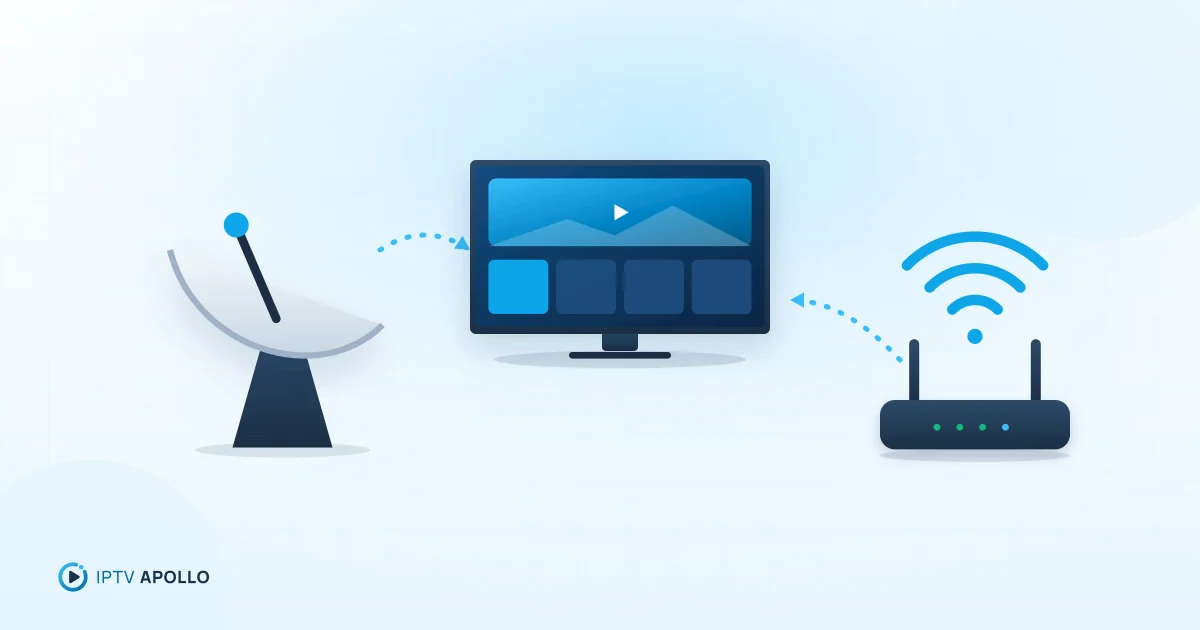
Satellite TV and IPTV solve the same problem — getting television to your screen — with opposite approaches. Satellite beams signals from space to a dish on your home; IPTV streams them over the internet. Each has clear strengths depending on where and how you live.
How each works
Satellite TV uses a dish aligned with a satellite in orbit. The dish receives the broadcast signal and passes it to a receiver box connected to your TV.
IPTV streams video over your internet connection to a player app on a compatible device. See what is IPTV and how does it work.
Side-by-side comparison
| Satellite TV | IPTV | |
|---|---|---|
| Delivery | Satellite → dish → receiver | Internet → player app |
| Installation | Dish mounting and alignment | Install an app, enter details |
| Needs internet? | No (for broadcast viewing) | Yes |
| Line of sight | Dish needs a clear view of the sky | Not applicable |
| Weather sensitivity | Heavy rain or snow can disrupt signal | Only via your broadband |
| Devices | TVs with a receiver | TVs, sticks, phones, tablets, computers |
| Moving home | Dish may need reinstalling | Take your devices with you |
Installation and property considerations
Satellite needs a dish with an unobstructed view of the right part of the sky. That can be difficult in flats, in properties with restrictions on external fittings, or where trees and buildings block the view. Alignment usually needs an installer.
IPTV has no external hardware. If you have broadband, you install a player app and enter your access details. Our setup checklist covers the steps.
Reliability: what can go wrong
Satellite is independent of your internet, which is a real advantage where broadband is weak. Its weak points are physical: heavy rain or snow can temporarily interrupt reception, and a dish knocked out of alignment loses signal.
IPTV depends on your internet connection and home network. With stable broadband it can be very consistent; with weak Wi-Fi or a congested connection, buffering can occur. See network conditions and streaming quality.
Flexibility
IPTV wins on flexibility: you can watch on many device types around the home, often with short-term access periods. Satellite viewing is generally tied to TVs connected to a receiver.
Internet requirements
If you choose IPTV, you need enough stable bandwidth for your stream plus everything else using your connection at the same time. Before deciding, check your connection at peak times. Our guide to streaming bandwidth explains how.
Which should you choose?
Satellite may be better if:
- Your broadband is slow, unreliable or capped
- You live somewhere with a clear view of the sky and can install a dish
- You mainly watch on one or two TVs
IPTV may be better if:
- You have reliable broadband
- A dish isn't practical or allowed
- You want to watch on several kinds of device
- You prefer short commitments
Trying IPTV
If IPTV looks like the better fit, test it on your real setup with a short plan. IPTV Apollo plans are one-time payments with no automatic renewal — see the pricing page to compare periods.
Frequently asked questions
Does bad weather affect IPTV?
Is satellite better where internet is slow?
This guide is for general information. Third-party apps and device menus change over time; if something looks different on your device, check the app or manufacturer's own documentation. Brand names belong to their respective owners.
Related reading
How IPTV Works
IPTV vs Cable TV: Main Differences Explained
How IPTV and cable TV differ in delivery, equipment, flexibility, reliability and cost — and how to decide which suits your home.
3 min read
How IPTV Works
What Is IPTV and How Does It Work?
A plain-English explanation of IPTV: what the acronym means, how live TV and on-demand video travel over the internet to your screen, and what you need to watch it.
5 min read
How IPTV Works
What Internet Speed Do You Need for IPTV?
How to work out the internet speed you need for IPTV: per-stream guidance by quality, adding up multiple screens, why stability beats peak speed, and how to test properly.
3 min read