Buying Guides
IPTV Subscription: Common Questions Before Buying
Straight answers to the questions people most often ask before buying an IPTV subscription — about equipment, setup, internet, sharing, renewal and refunds.
By IPTV Apollo Editorial TeamUpdated 3 min read
On this page
If you're new to IPTV, you probably have a list of practical questions before you buy. Here are clear answers to the ones we see most often. For questions about IPTV Apollo specifically, see our FAQ page.
Equipment and setup
What equipment do I need?
A compatible device (streaming stick, smart TV, phone, tablet or computer), a player app installed on it, and an internet connection. You don't normally need a dish or a set-top box from the provider. See the compatible devices overview.
Does the provider supply the app?
Usually not. Most IPTV services work with third-party player apps made by independent developers. You install the player from your device's app store and enter the access details your provider gives you. The difference is explained in IPTV player vs IPTV provider.
How hard is setup?
If you can install an app and type in a link or login, you can set up IPTV. It typically involves:
- Installing a player app
- Entering an M3U playlist URL or Xtream Codes login
- Optionally configuring the program guide
Our setup checklist walks you through it.
Can I use my existing smart TV?
Often, yes — if a compatible player app is available in your TV's app store. If it isn't, an inexpensive streaming stick plugged into the TV is a common alternative. See our guides for Samsung and LG TVs.
Internet
What internet speed do I need?
Enough stable bandwidth for the quality you want to watch, multiplied by the number of screens in use at once. Stability matters as much as speed. Our guide to how much bandwidth IPTV needs explains how to check.
Is Wi-Fi okay, or do I need a cable?
Wi-Fi can work well, especially 5 GHz Wi-Fi close to the router. A wired Ethernet connection is usually more consistent, so use one if it's convenient.
Plans and usage
How many screens can I watch on?
One at a time. Each IPTV Apollo subscription includes one connection, so one device can stream at a time. Read using IPTV on multiple devices.
Can I share my subscription with friends?
Generally no. Access details are for your household, and sharing them typically breaks the provider's terms. It would also use your subscription's single connection.
Can I use it while travelling?
It depends on the provider's terms and on content availability in the country you're visiting. Check before you travel.
Payment, renewal and refunds
Will I be charged automatically when my plan ends?
Only if the plan auto-renews. Some providers renew automatically; others (including IPTV Apollo) use manual renewal, so your access simply ends unless you buy another period. See renewal terms explained.
Can I get a refund?
That depends on the provider's published refund policy. Read it before buying, especially for longer plans.
Is it safe to pay online?
It should be, if you pay through a recognised payment provider on a secure page. Never send card details by message or email.
Choosing a provider
How do I know a provider is trustworthy?
Look for an identifiable business, published policies, realistic claims and a way to contact a person. Our guide on how to evaluate an IPTV provider has a full checklist.
Should I start with a long plan to save money?
Not until you've tested the service on your setup. Start short, then move to a longer plan if you're happy. Compare periods on the pricing page.
This guide is for general information. Third-party apps and device menus change over time; if something looks different on your device, check the app or manufacturer's own documentation. Brand names belong to their respective owners.
Related reading
How IPTV Works
What Is IPTV and How Does It Work?
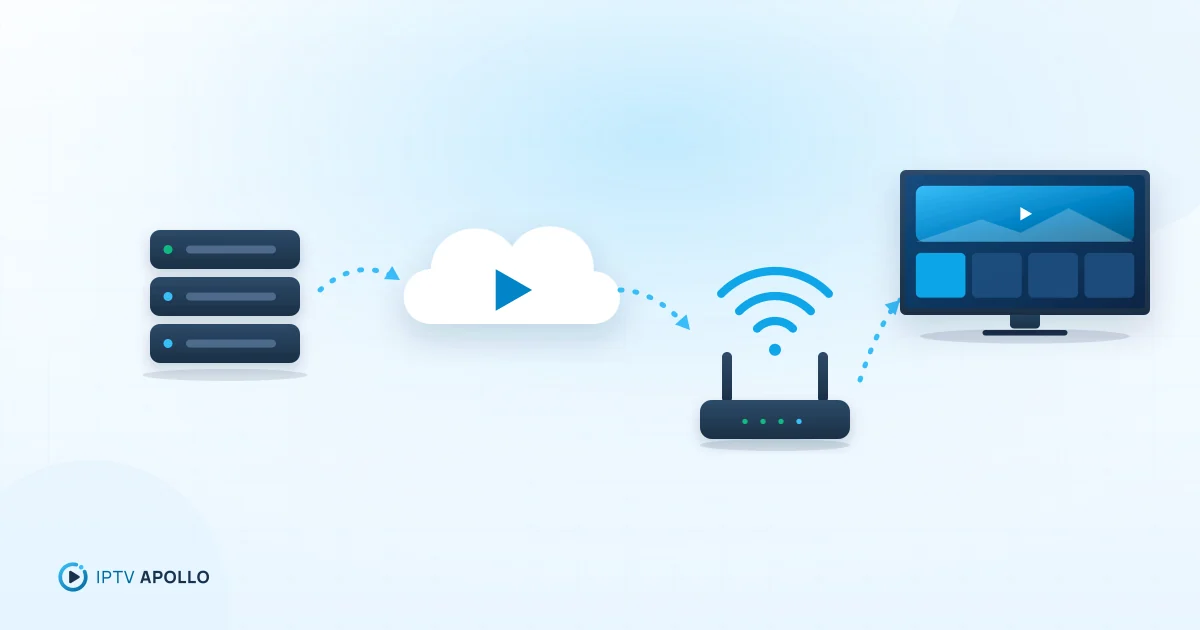
A plain-English explanation of IPTV: what the acronym means, how live TV and on-demand video travel over the internet to your screen, and what you need to watch it.
5 min read
Buying Guides
Questions to Ask Before Choosing an IPTV Provider
Twenty ready-to-send questions to put to any IPTV provider before you buy — covering the business, plans, devices, quality, support and policies — plus what good answers look like.
2 min read
Setup
IPTV Setup Checklist for New Users
A one-page checklist for new IPTV users: prepare your device and network, install a player, connect your subscription, load the guide, tune settings and organise channels.
2 min read