Devices
How to Choose a Compatible IPTV Device
A decision guide to picking the right device for IPTV: platform and app availability, hardware, connectivity, remote experience and budget — with a comparison table.
By IPTV Apollo Editorial TeamUpdated 3 min read
On this page
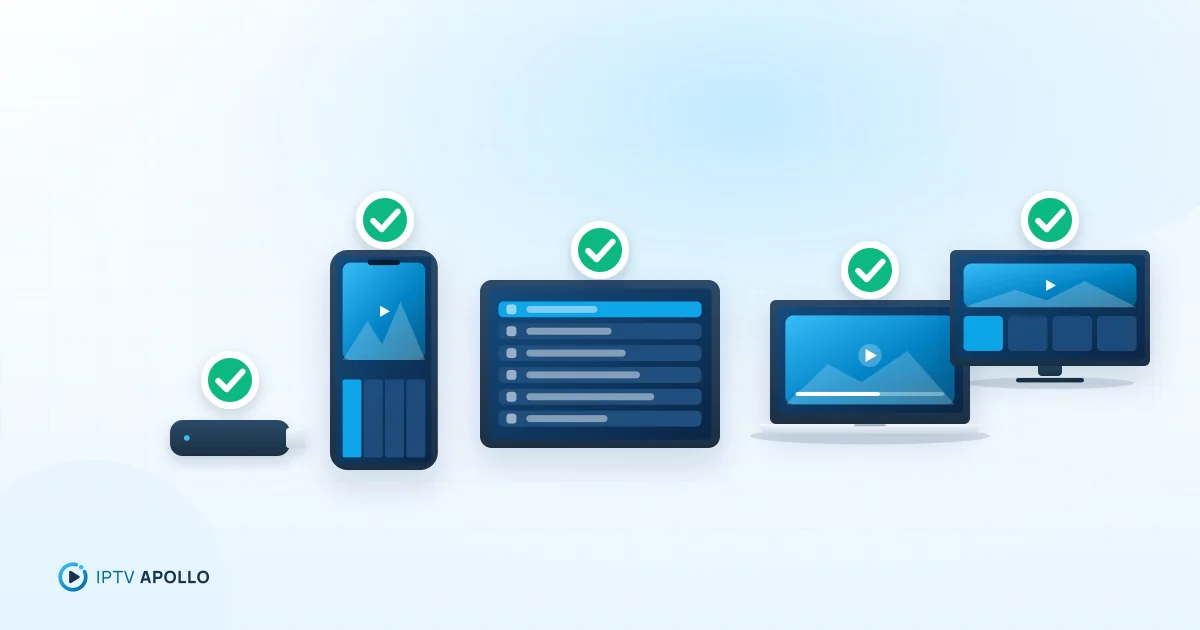
The "best" device for IPTV is the one that runs a good player, plays your streams smoothly and is pleasant to use with a remote. If you already own a smart TV or streaming stick, it may be all you need. If you're buying something new, this guide helps you choose.
The five things that matter
1. Platform and app availability
This is the deciding factor. Your device needs a compatible IPTV player that supports your access method (M3U or Xtream Codes).
- Android TV / Google TV and Fire OS devices have the widest choice of players.
- Apple TV has a curated App Store with several solid options.
- Samsung (Tizen) and LG (webOS) TVs have a narrower, model-dependent selection.
- Computers can use general media players or dedicated IPTV apps.
2. Hardware performance
A faster processor and more memory mean quicker channel switching and smoother handling of large playlists. Entry-level devices are fine for HD; demanding formats like 4K HEVC need more capable hardware.
3. Connectivity
Ethernet gives the steadiest playback. Many streaming sticks are Wi-Fi only but accept an Ethernet adapter. If Wi-Fi is your only option, look for support for modern Wi-Fi standards and use 5 GHz.
4. Remote and interface
You'll use the remote every day. TV-optimised players with large tiles and D-pad navigation are much easier than phone-style apps squeezed onto a TV.
5. Storage
Players, caches and EPG data need space. Devices with very little storage slow down over time.
Comparison table
| Device type | Player choice | Performance | Ethernet | Best for |
|---|---|---|---|---|
| Fire TV Stick (Fire OS) | Wide | Good (varies by model) | Via adapter | Affordable TV setup |
| Google TV / Android TV device | Wide | Good to very good | Some models / adapter | Flexible TV setup |
| Apple TV 4K | Good | Very good | Some models | Premium, polished experience |
| Samsung / LG smart TV | Limited, model-dependent | Varies | Usually yes | No extra hardware |
| Windows PC / Mac | Wide | Very good | Usually yes | Desk viewing, testing |
| Phone / tablet | Wide | Good | No | Personal, portable viewing |
Quick recommendations by situation
- "I want the simplest TV setup on a budget." An Android-based streaming stick such as a Fire TV Stick or Google TV device. See IPTV on Fire TV Stick and our Google TV notes.
- "I want the most polished experience." Apple TV 4K. See IPTV on Apple TV.
- "I don't want to buy anything." Check your smart TV's app store first: Samsung, LG, or use a phone, tablet or computer.
- "My smart TV's player options are limited." Add an inexpensive streaming stick to a spare HDMI port.
Before you buy
- Confirm a suitable player exists for that platform today
- Check storage and whether the device supports the formats you'll watch
- Plan how you'll connect it — Ethernet or strong Wi-Fi
- Buy from a reputable retailer; avoid uncertified "pre-loaded" boxes
Next steps
See every platform side by side on the compatible devices page, or browse step-by-step instructions on the devices hub. Once your device is ready, compare IPTV Apollo plans.
This guide is for general information. Third-party apps and device menus change over time; if something looks different on your device, check the app or manufacturer's own documentation. Brand names belong to their respective owners.
Related reading
Devices
IPTV on Amazon Fire TV Stick: Compatibility Guide
Which Fire TV devices work with IPTV, how player apps are installed, storage and performance considerations, and what to check before you set up a Fire TV Stick.
3 min read
Devices
IPTV on Google TV: A Complete Compatibility Guide
Using IPTV on Google TV devices and TVs: how Google TV relates to Android TV, app availability, developer settings, storage on streaming dongles and network tips.
2 min read
Devices
IPTV on Apple TV: IPTV Compatibility Explained
How IPTV works on Apple TV HD and Apple TV 4K: finding a player in the App Store, tvOS considerations, entering your details, and display and audio settings.
2 min read